
How to access Outlook on the web
Outlook on the web (previously known as Outlook Web App) lets you read and manage email directly from your browser, from any internet-connected device. It’s a practical option when you don’t want (or can’t) set up a local email client, while still keeping full access to your mailbox, folders, and calendar.
Sign-in procedure
To access your mailbox in Outlook on the web, follow these steps:
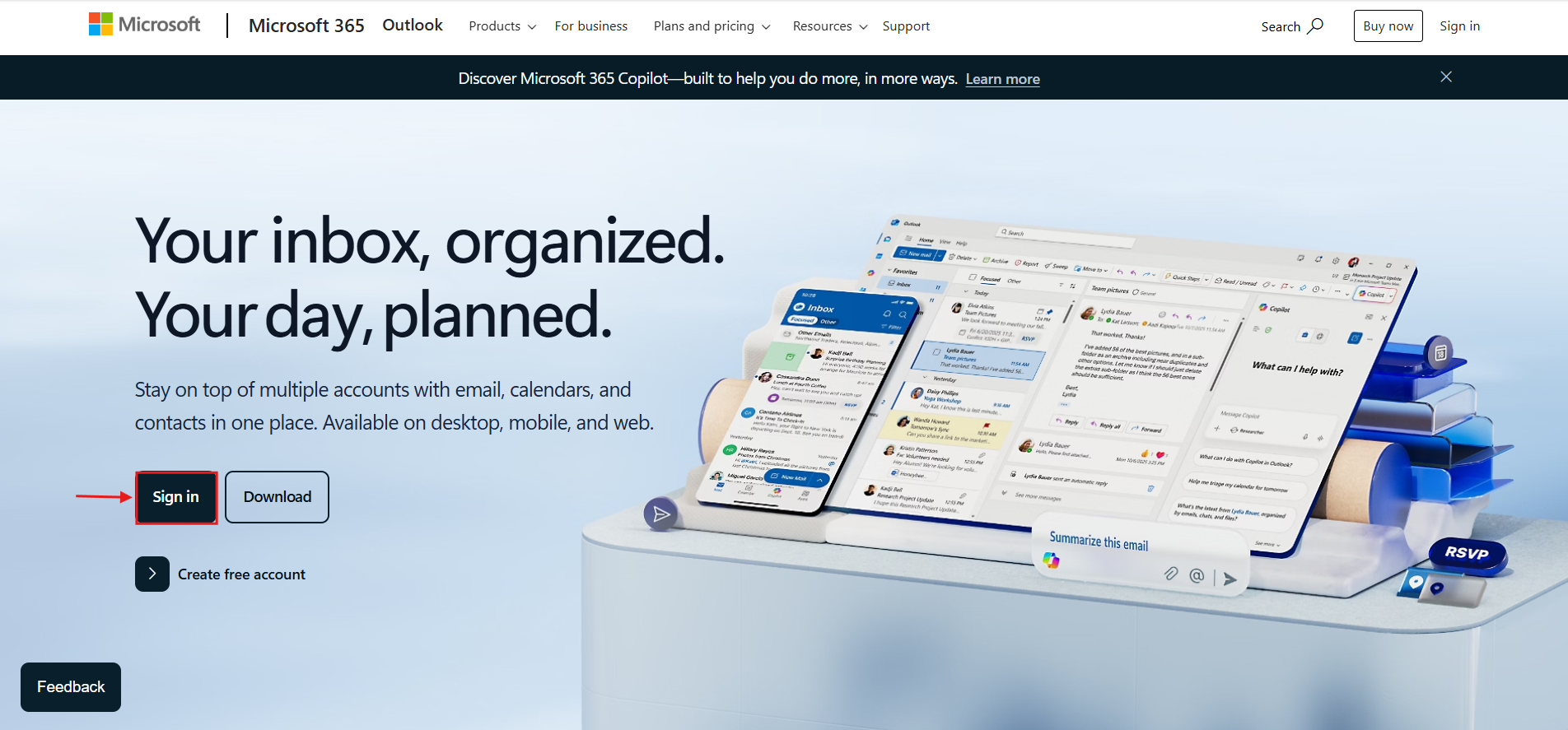
- Go to the portal: open your browser and visit Outlook.com.
- Start sign-in: click Sign in.
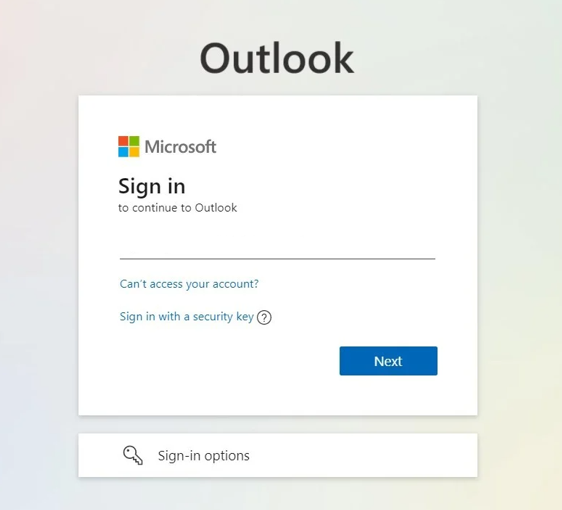
- Enter your credentials: type your email address and password, then continue.
- Identity verification (MFA): if multi-factor authentication is enabled, approve the request in Microsoft Authenticator or enter the security code you receive.
- Finish: once verification is complete, you’ll be redirected automatically to your Inbox in Outlook on the web.
Credentials and security support
If you’ve forgotten your password, you can start the secure reset process through Microsoft’s official portal:
- Password recovery: Microsoft Password Reset