Microsoft 365 License Reassignment
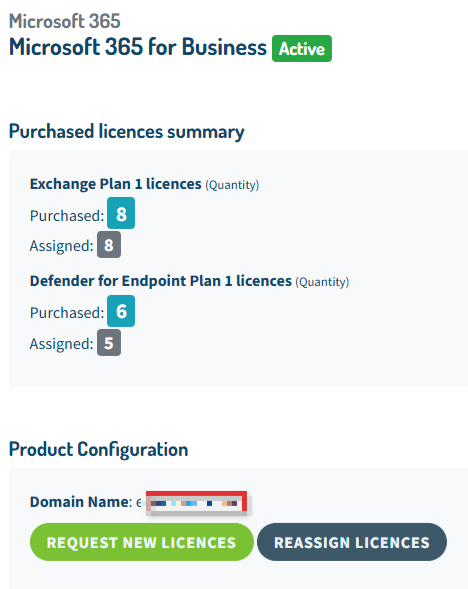
If you need to reassign previously purchased Microsoft 365 licenses, you can do so directly from your reserved area by using the “Reassign licenses” feature within the Microsoft 365 for Business service.
After starting the process, make sure to wait approximately 10 minutes. Then, access your tenant admin portal to complete the reassignment of licenses to the intended users.
Reassignment validity period
Once activated, the licenses will remain available and reusable within the tenant for up to 4 days. During this period, you can freely assign them as needed.
After this timeframe, you will need to click “Reassign licenses” again to make the licenses available for reassignment.
Interface example: