
Accessing cPanel Webmail via Browser
To check your company email directly from a web browser, you can access cPanel Webmail and sign in with your email account credentials.
URL to Enter
Open your browser and type the following path in the address bar:
mail.yourdomain.tld/webmail
Practical Example
If your domain is utixo.net, the address to type will be:
mail.utixo.net/webmail
After you proceed, you will be redirected to the Webmail login page (for example): https://srv3.network-utixo.it:2096/
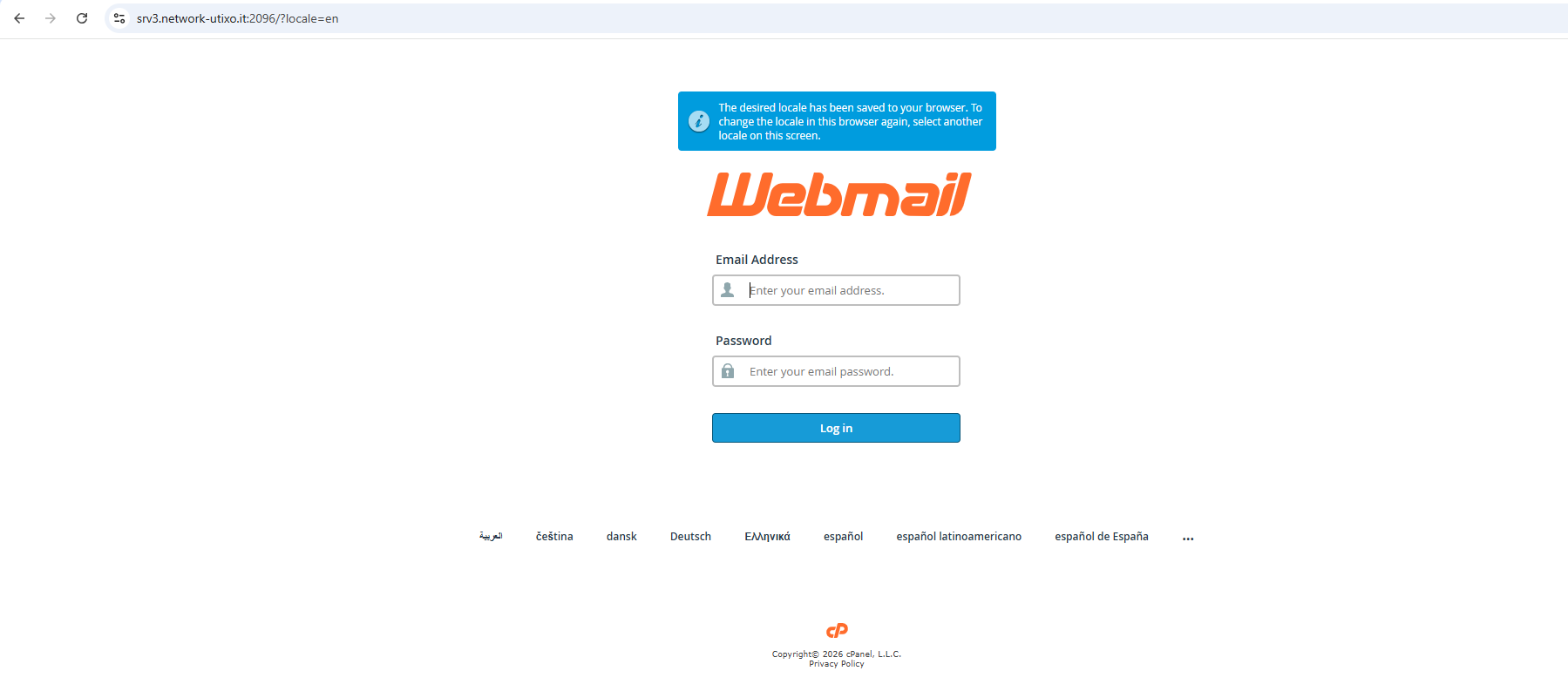
Sign In
On the login screen, enter:
- Your full email address (e.g., name@yourdomain.tld)
- The password for that mailbox
Then confirm to access your inbox and the other mailbox folders.