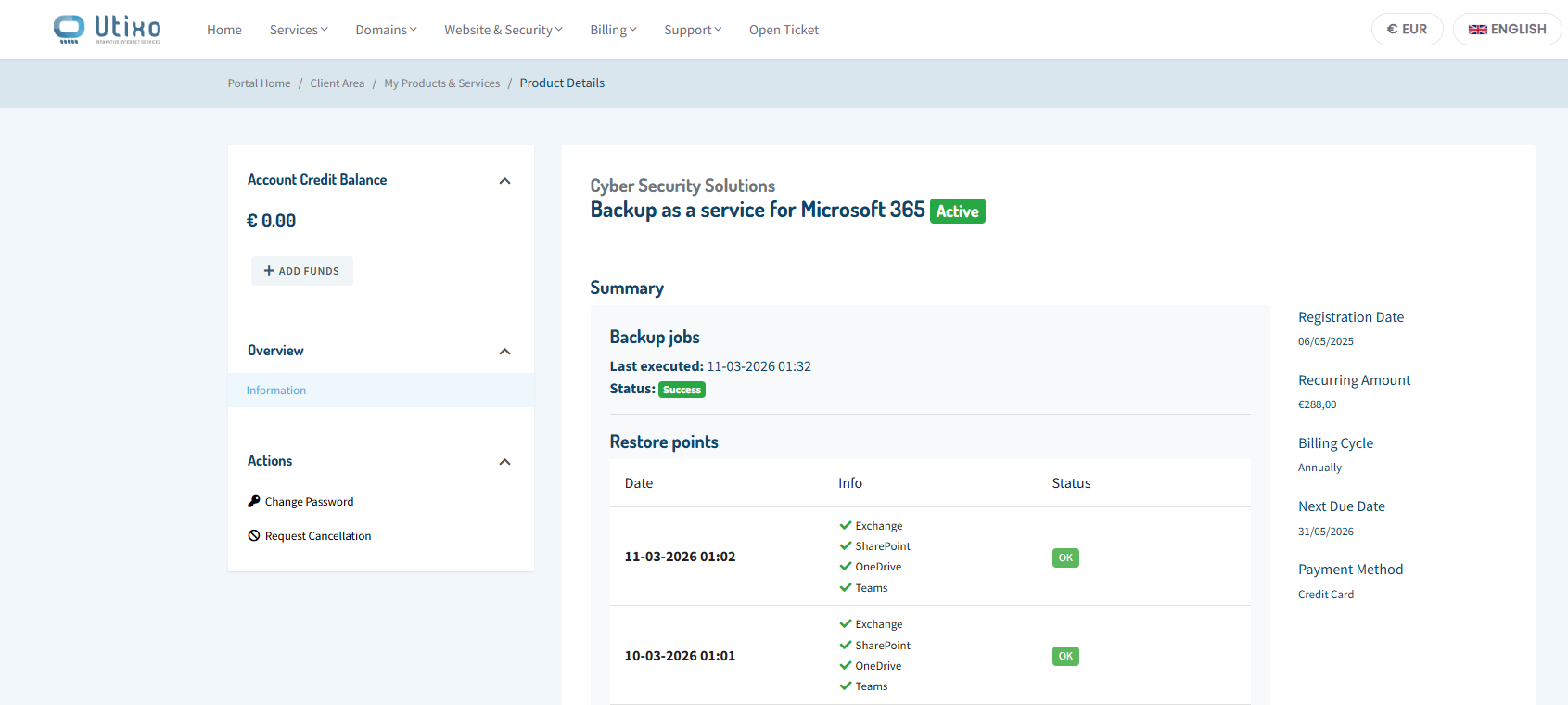
How to view the Backup as a Service summary
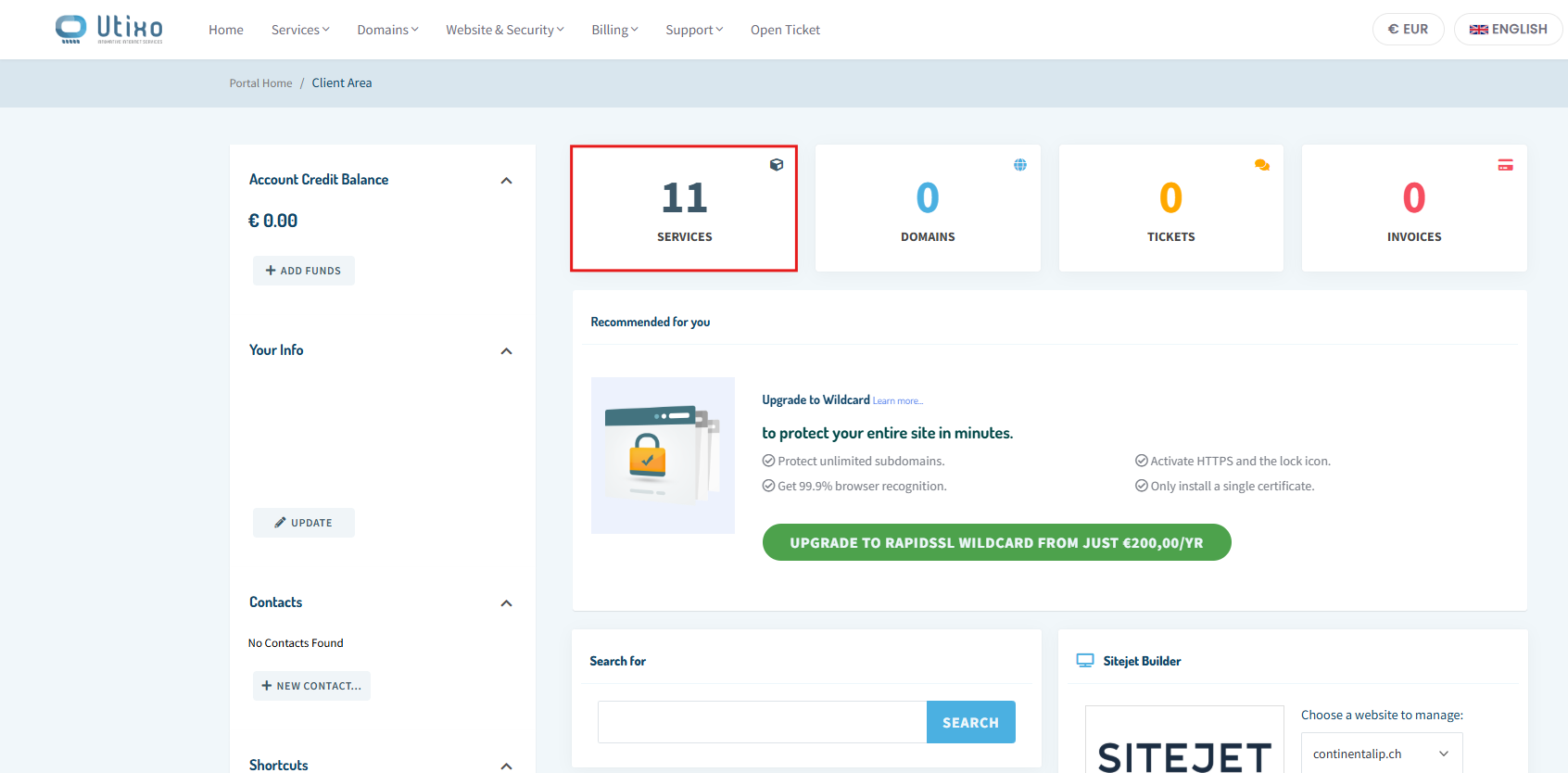
To view the backup summary for your Backup as a Service plan, log in to your client area and open the Services section.
- Log in to the client area
- Click on Services
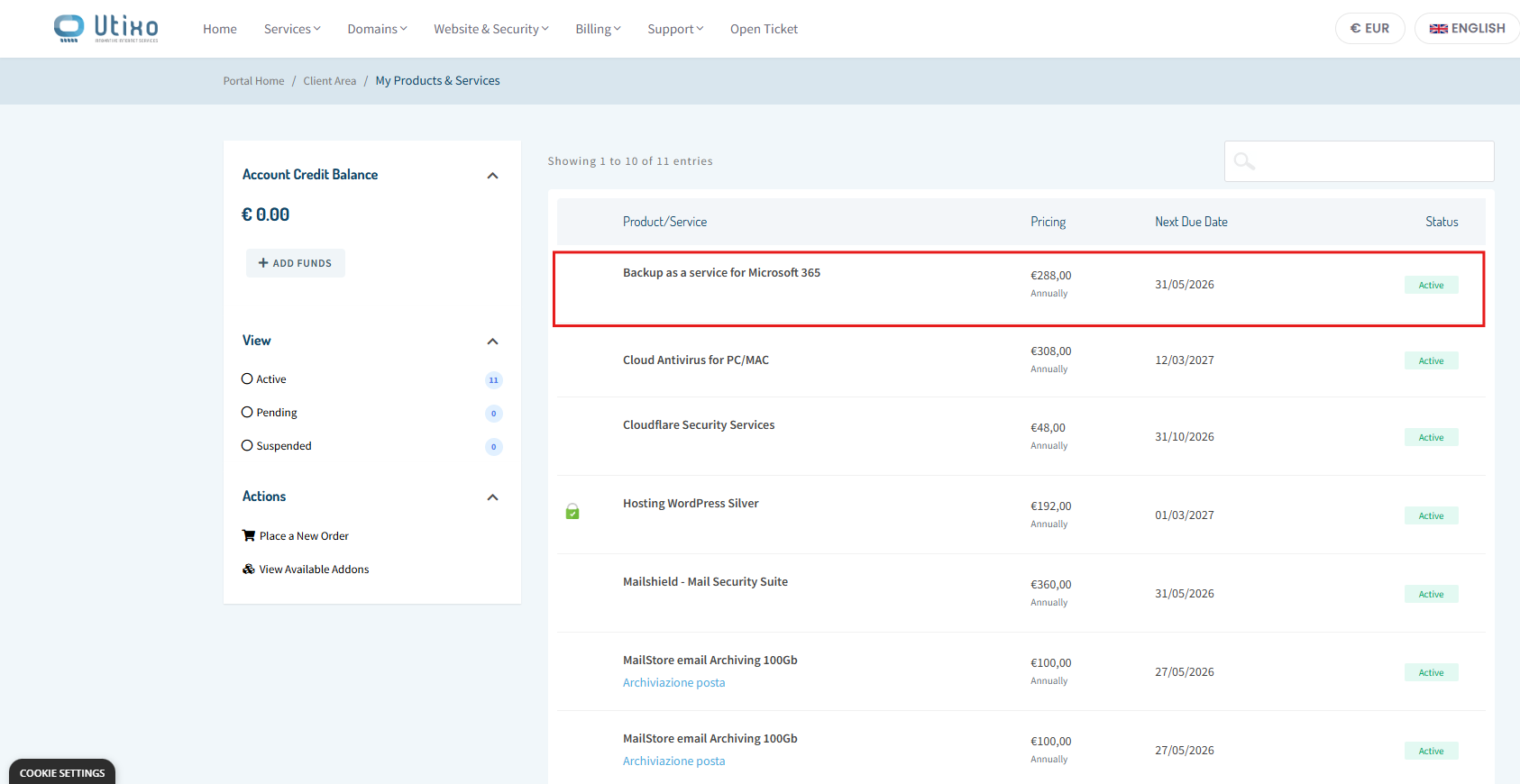
In the list of active services, locate and select Backup as a Service to open its details page.
- Find and select the Backup as a Service service
Information available in the summary screen
From the summary screen, you can quickly check the status of your backup operations and review the main administrative details linked to the service.
- Date and time of each operation
- Backup result, to verify whether the backup completed successfully
- Administrative details, shown on the right side of the page, including costs, payment method, and next renewal date